Weather App Using React Js
Project Images :-


Project Description :-
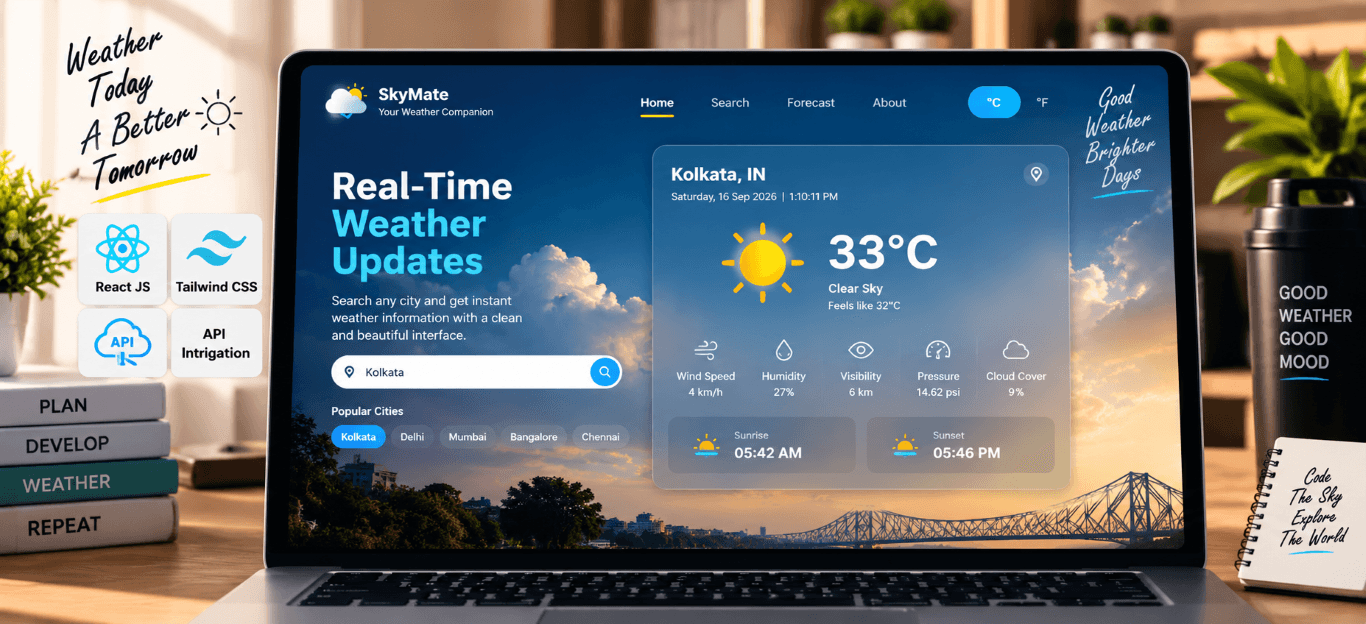
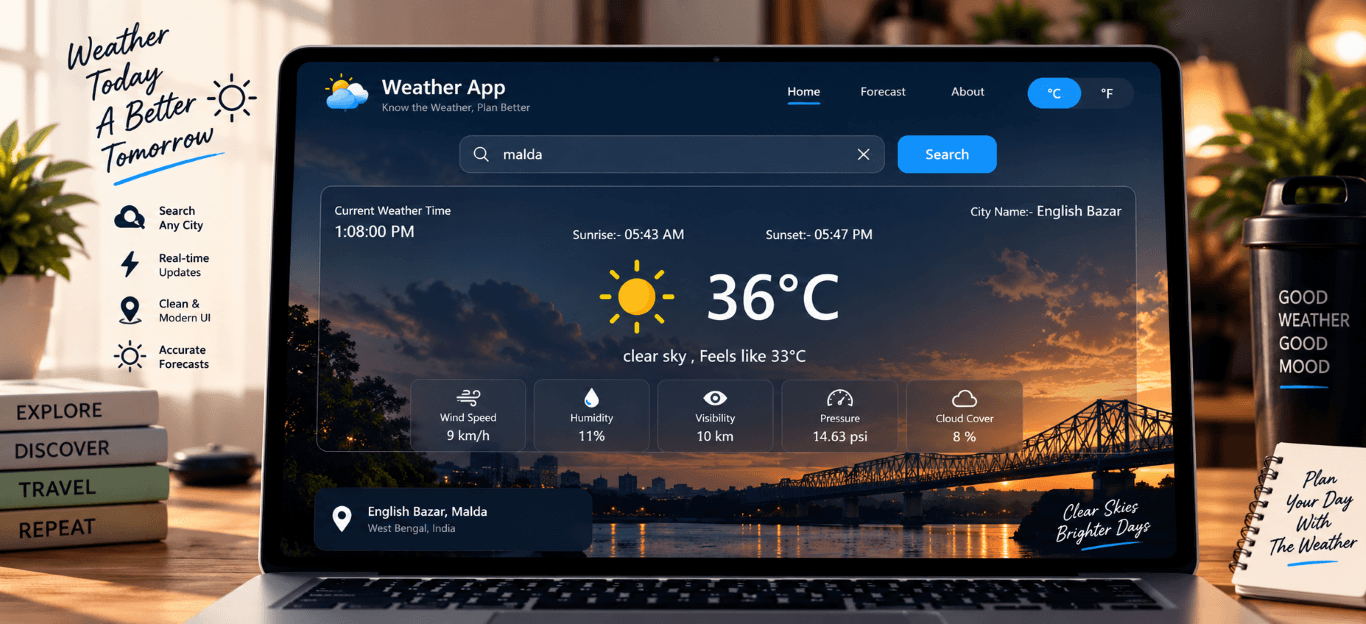
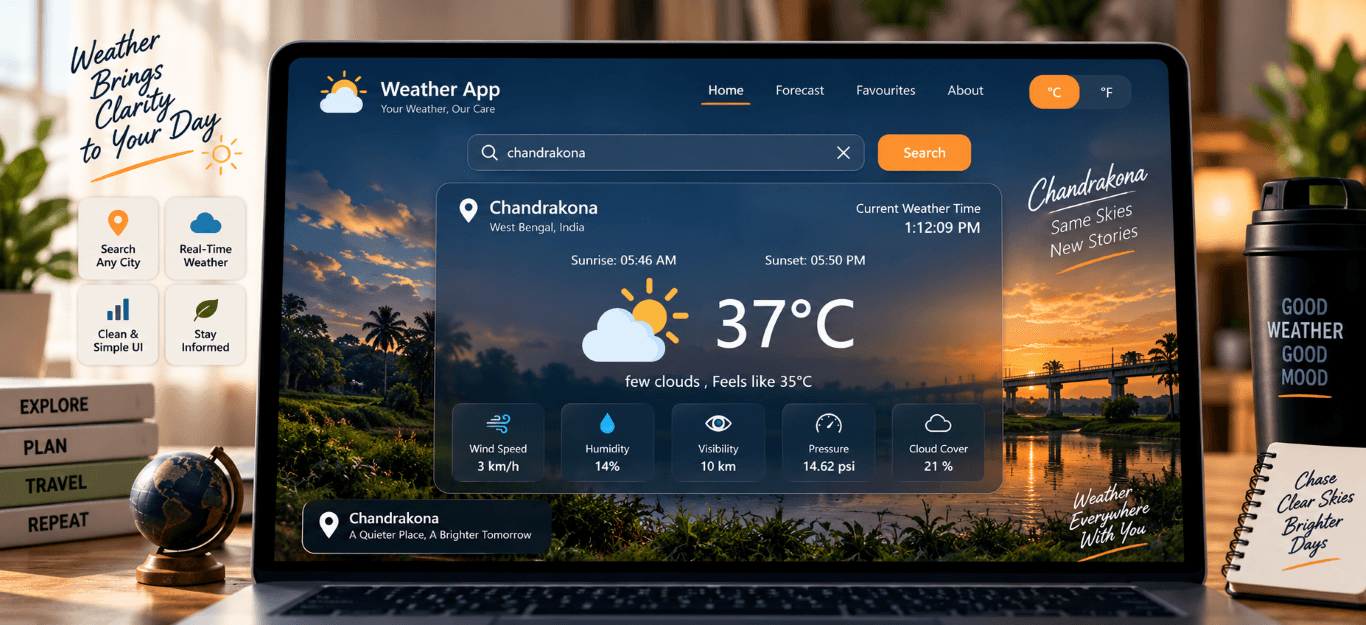
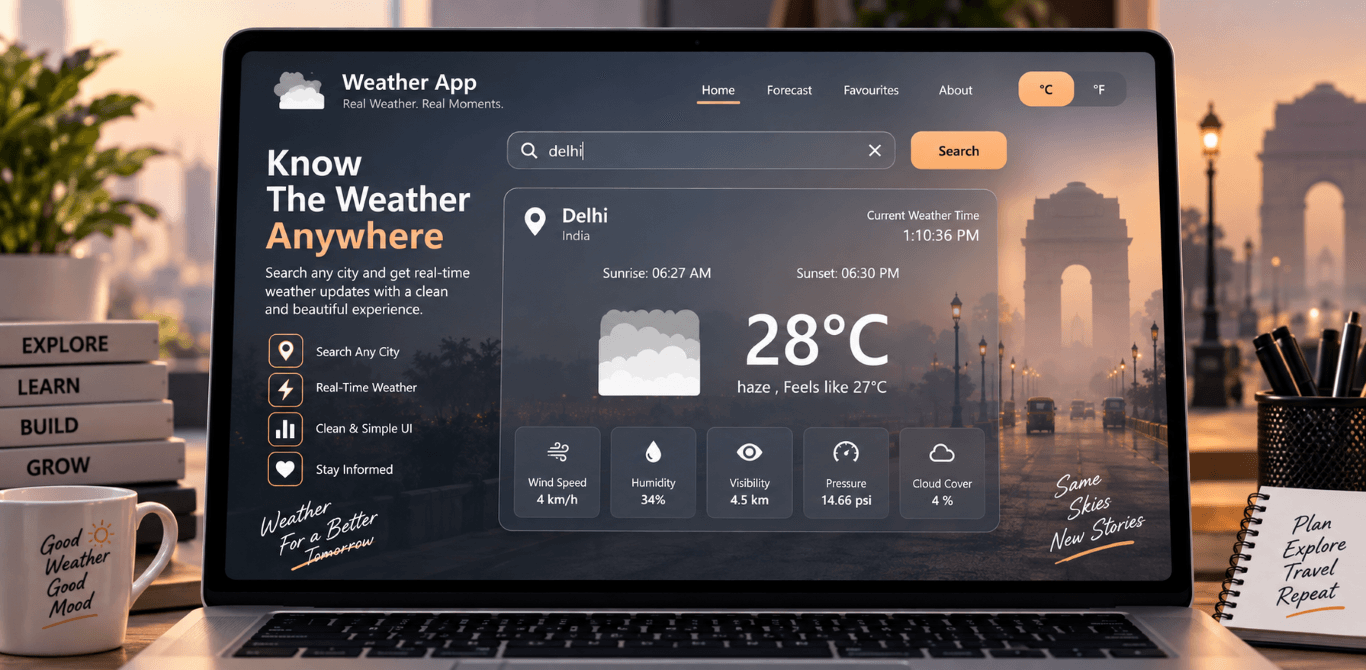
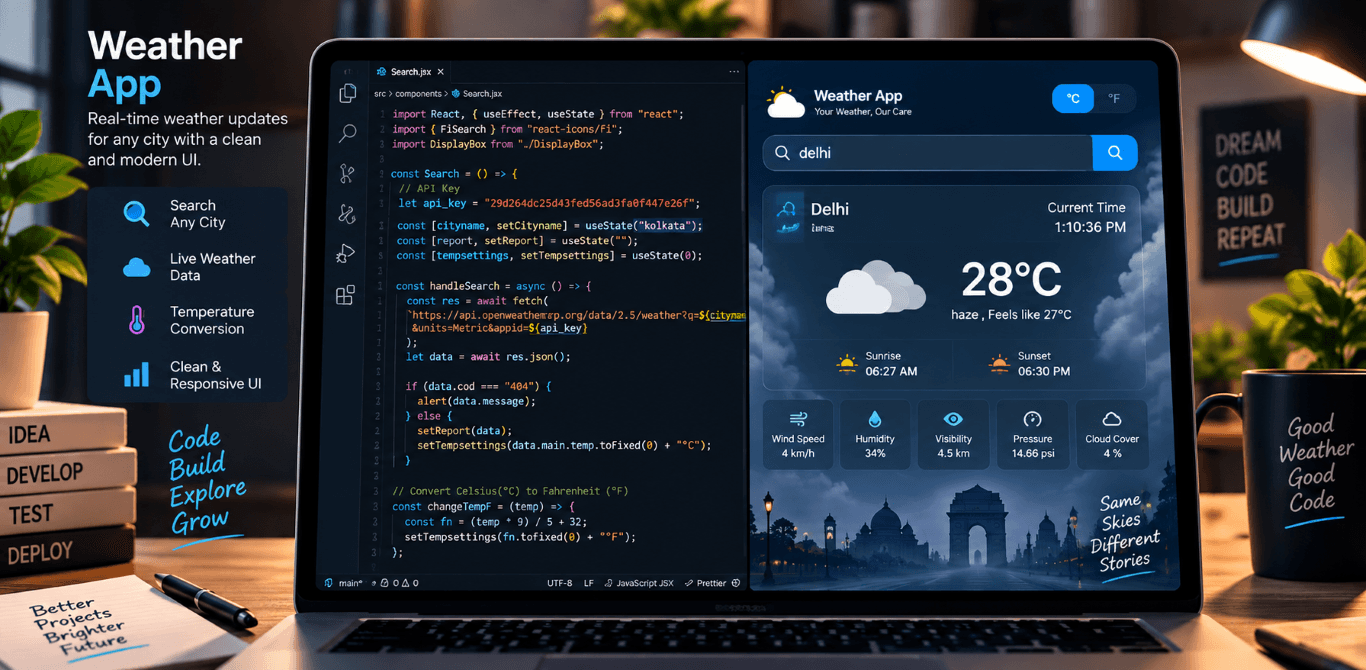
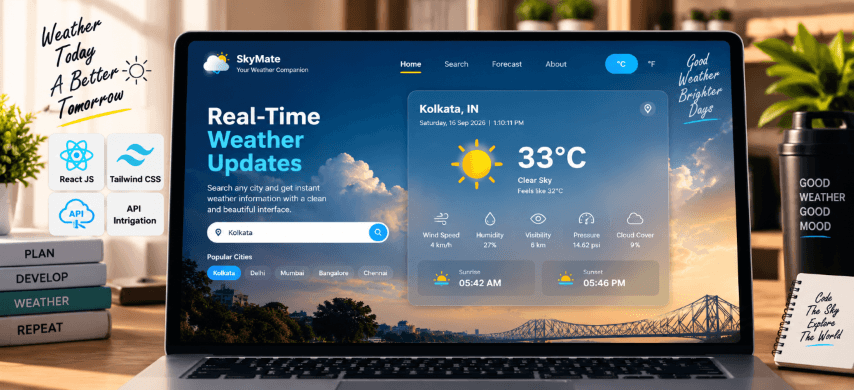
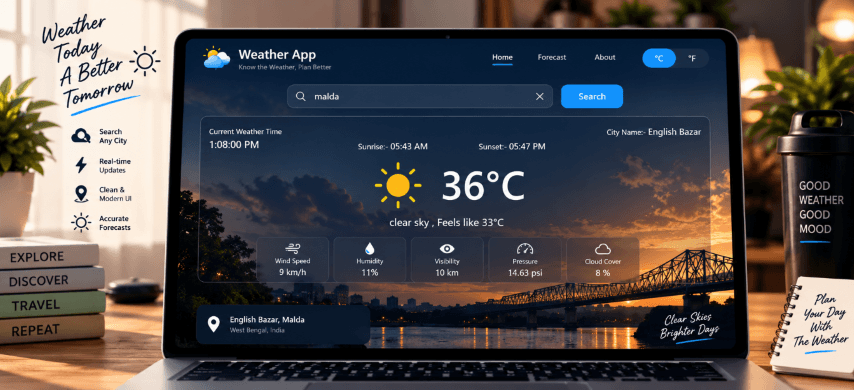
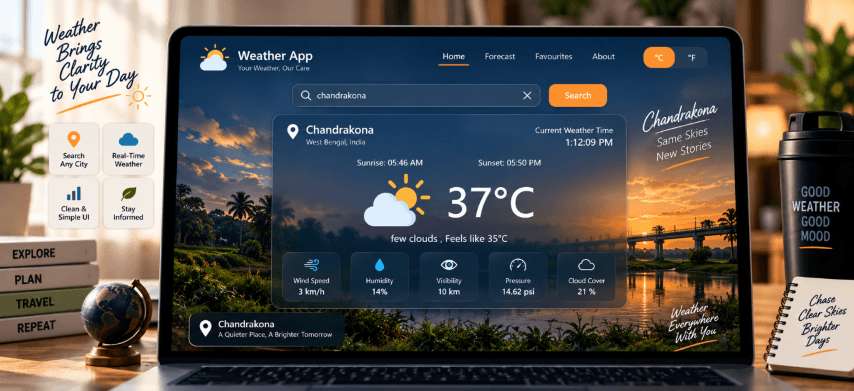
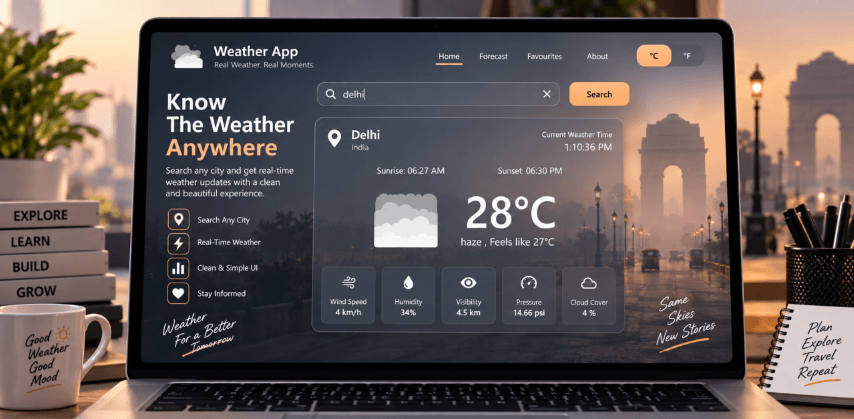
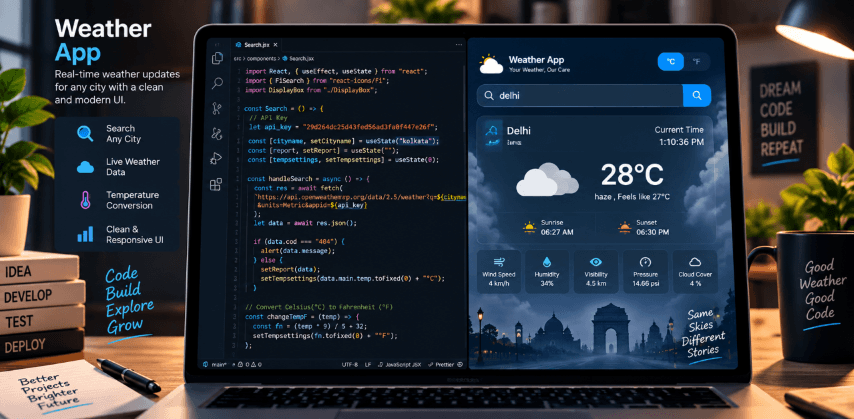
The Real-Time Weather App is an advanced weather forecasting application developed using React.js for frontend functionality and Tailwind CSS for styling. This app provides users with real-time weather updates based on the city name entered in the search bar. It fetches live weather data from a free weather API, ensuring accuracy and reliability. The app features a temperature unit conversion system, allowing users to switch between Celsius and Fahrenheit effortlessly. In addition to temperature details, the app provides a detailed breakdown of weather conditions, including wind speed (km/h), air pressure, humidity levels, visibility (km), pressure (psi), and cloud cover (%). One of the standout features is the display of current sunrise and sunset timings, offering users precise information about the day’s light conditions. This project demonstrates expertise in React.js development, API integration, state management, and performance optimization. It serves as an ideal tool for users who need quick and reliable weather updates on the go.
Key Features :-
- Users can enter a city name in the search bar to get real-time weather updates.
- The app fetches weather data from a free weather API.
1. City-Based Weather Search:
- Users can toggle between Celsius (°C) and Fahrenheit (°F) for temperature display.
2. Temperature Unit Conversion:
- Displays key weather metrics, including:
✅ Wind Speed (km/h)
✅ Air Pressure
✅ Humidity Levels
✅ Visibility (km)
✅ Pressure (psi)
✅ Cloud Cover (%)
3. Detailed Weather Information:
- The app shows current sunrise and sunset times based on the selected city.
4. Sunrise & Sunset Time Display:
- Uses React optimization techniques to minimize unnecessary re-renders.
- Efficient API calls ensure faster data retrieval.
5. Optimized Rendering for Performance:
- Styled with Tailwind CSS for a clean and visually appealing design.
6. Modern & Stylish UI:
- Ensures scalable and maintainable code organization.
7. Optimized with MVC Structure
Technology Use :-
- React.js - for building the UI and handling state.
- Tailwind CSS - Creates interactive carousels and sliders for project showcases.
- Tailwind CSS - Ensures a clean, modern design.
- API Integration - Free Weather API (for real-time weather data)
- State Management - useState & useEffect hooks for managing data.
- Performance Optimization - Memoization techniques to reduce re-renders.